
Custody calendar
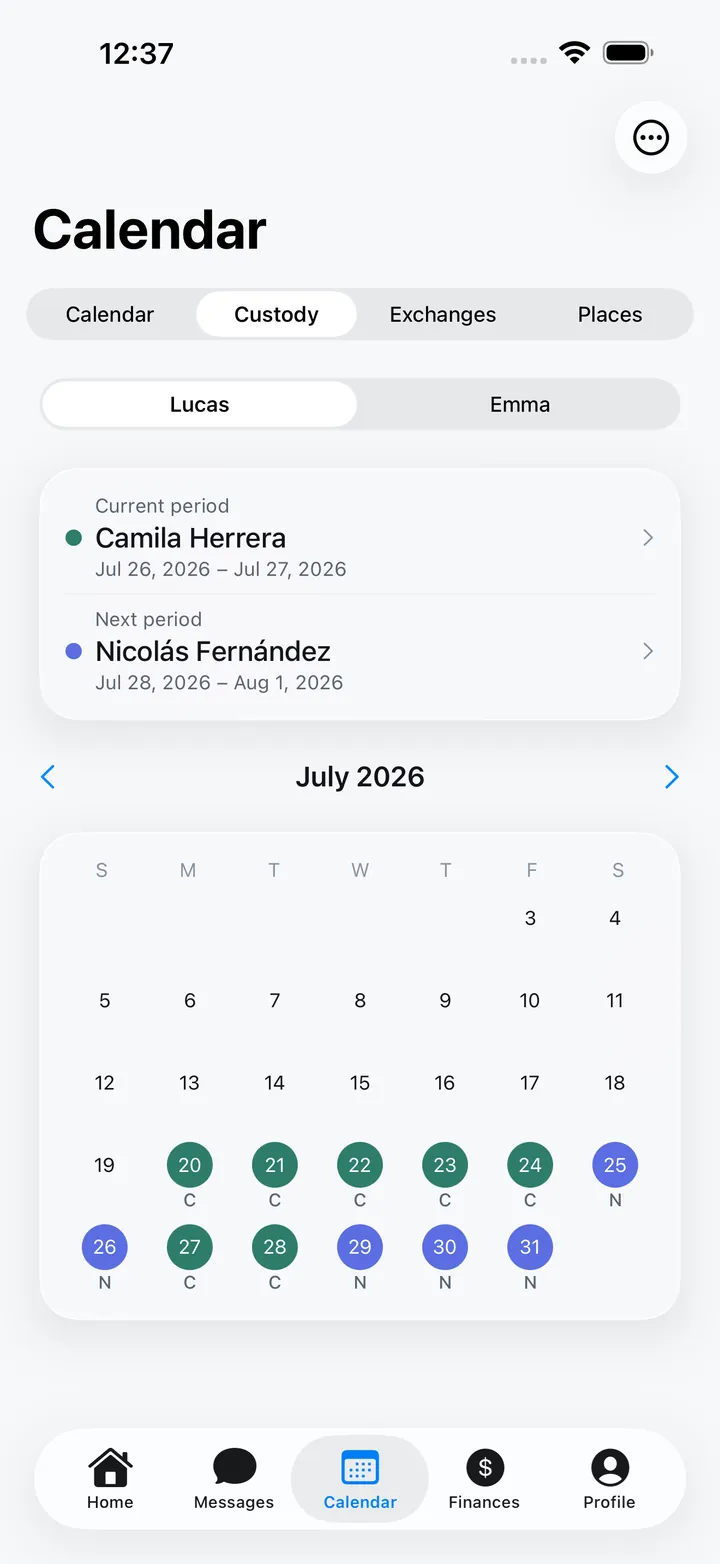
Pick a pattern (alternating weeks, 2-2-3, 5-2-2-5…) and the days fill in. You always know who has the kids.
YouOther parent
1314151617181920212223242526
Today: You
Co-parenting app · iPhone and web
Family Bridge brings together your custody calendar, messages with your ex, child expenses and important documents. Fewer arguments, more clarity for your kids.
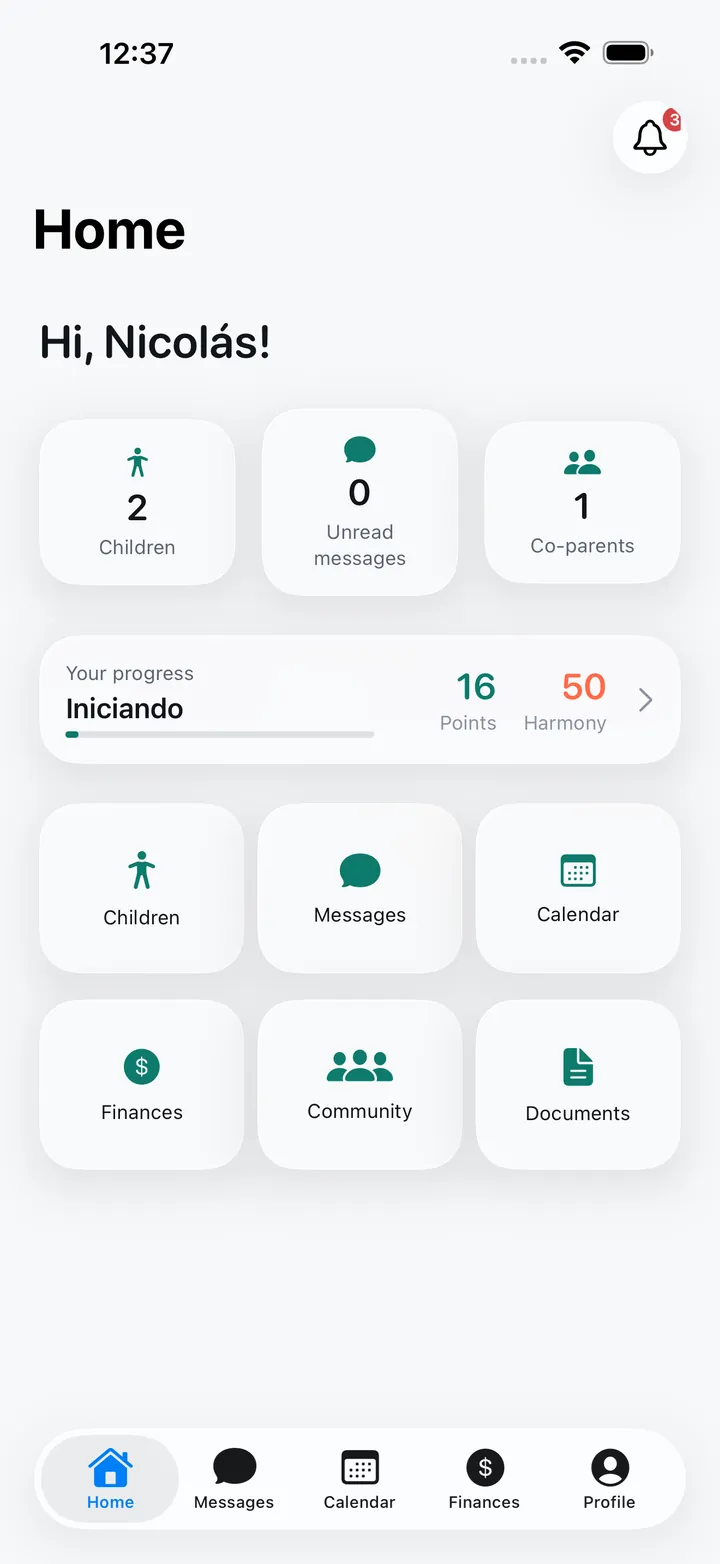
Family Bridge is a co-parenting app for separated or divorced parents. It lets you share a custody calendar, keep conversations organized by topic and by child, log and approve child expenses, coordinate custody exchanges and store important documents. It works on iPhone and in any web browser, in English, Spanish, Portuguese and French.
The problem
When information lives in scattered chats, screenshots and spreadsheets, every detail turns into an argument. And kids feel it the most.
What matters gets buried between voice notes and stickers, and later nobody remembers what was agreed.
School, doctor and clothing costs with no clear record of who paid for what.
A pickup that moves, a holiday nobody wrote down, and the day gets harder for everyone.
The solution
Family Bridge gives every topic its place. Both parents see the same information, at the same time, with history.
Pick a pattern (alternating weeks, 2-2-3, 5-2-2-5…) and the days fill in. You always know who has the kids.
Today: You
Conversations by child and topic, with timestamps, read receipts and FamilyBot to check your tone before sending.
Can you pick Emma up on Thursday? She has the dentist at 5.
Sure, I’ll get her from school.
Read 2:32 pm
Add the expense with a receipt, split it 50/50 or by the share you agree on, and the other parent approves it.
Dentist · Emma
US$ 120.00
Propose a day, time and safe place. Running late? Let them know with one tap — it’s logged.
Today 6:00 pm · School
Events, doctor appointments, school activities and birthdays, with reminders, recurring events and RSVPs.
Color-coded custody periods for each parent, patterns like alternating weeks, 2-2-3 or 5-2-2-5, and who has the kids today.
Pickup proposals and counter-proposals, safe meeting places, running-late alerts and a record of every exchange.
Conversations by child and by topic (health, school, expenses…), with replies, reactions, read receipts and moderation.
Log expenses, split them 50/50 or by the percentage you agree on, and the other parent approves them. A clear balance of who owes whom.
Set up the monthly amount, log payments with receipts and confirm when they arrive. Disputes come with a full history.
Medical info, allergies, appointments, activities, emergency contacts and everything school-related: subjects, grades and assignments.
IDs, passports, prescriptions, school reports and court orders in one place, with expiration reminders.
The real app
One calm place to co-parent
See who has the kids, week by week
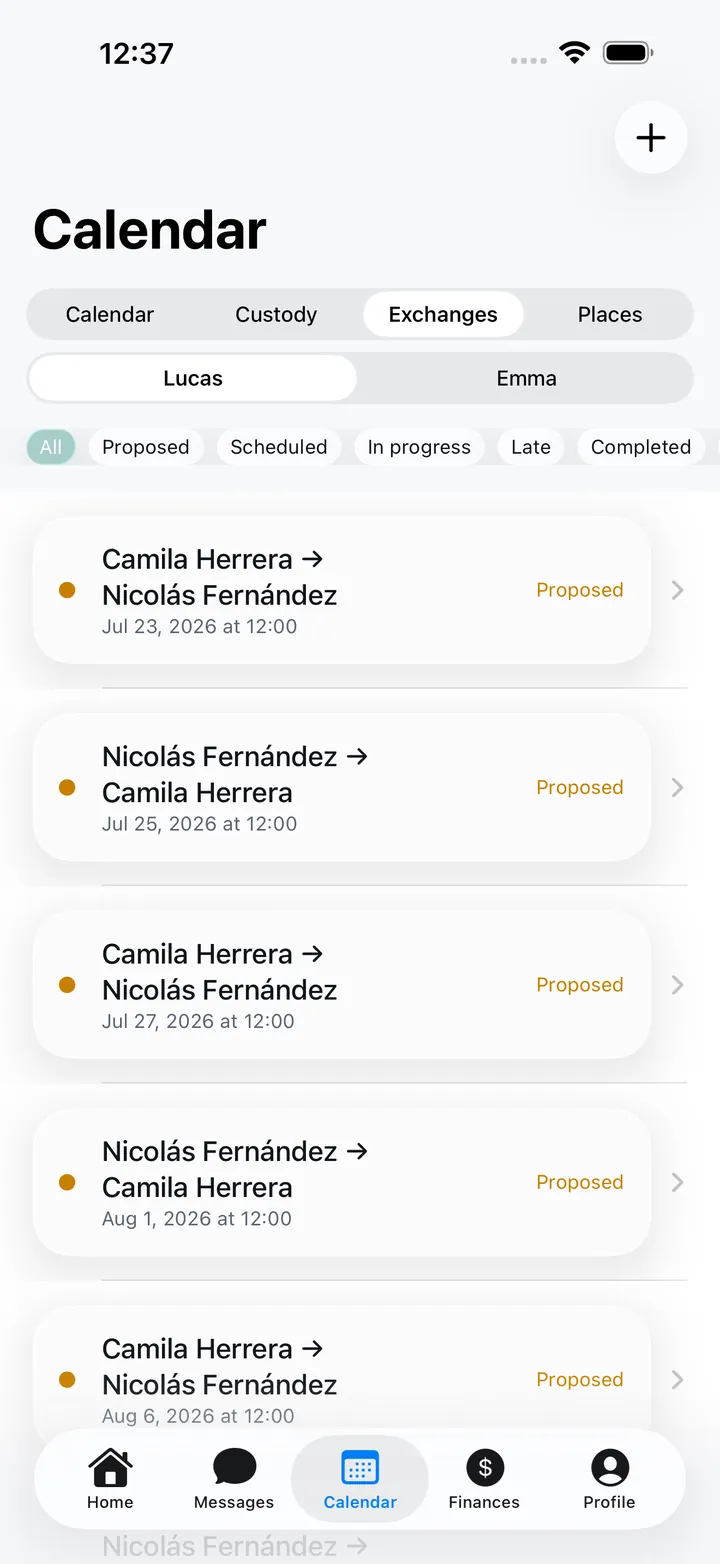
Plan pickups, holidays and swaps together
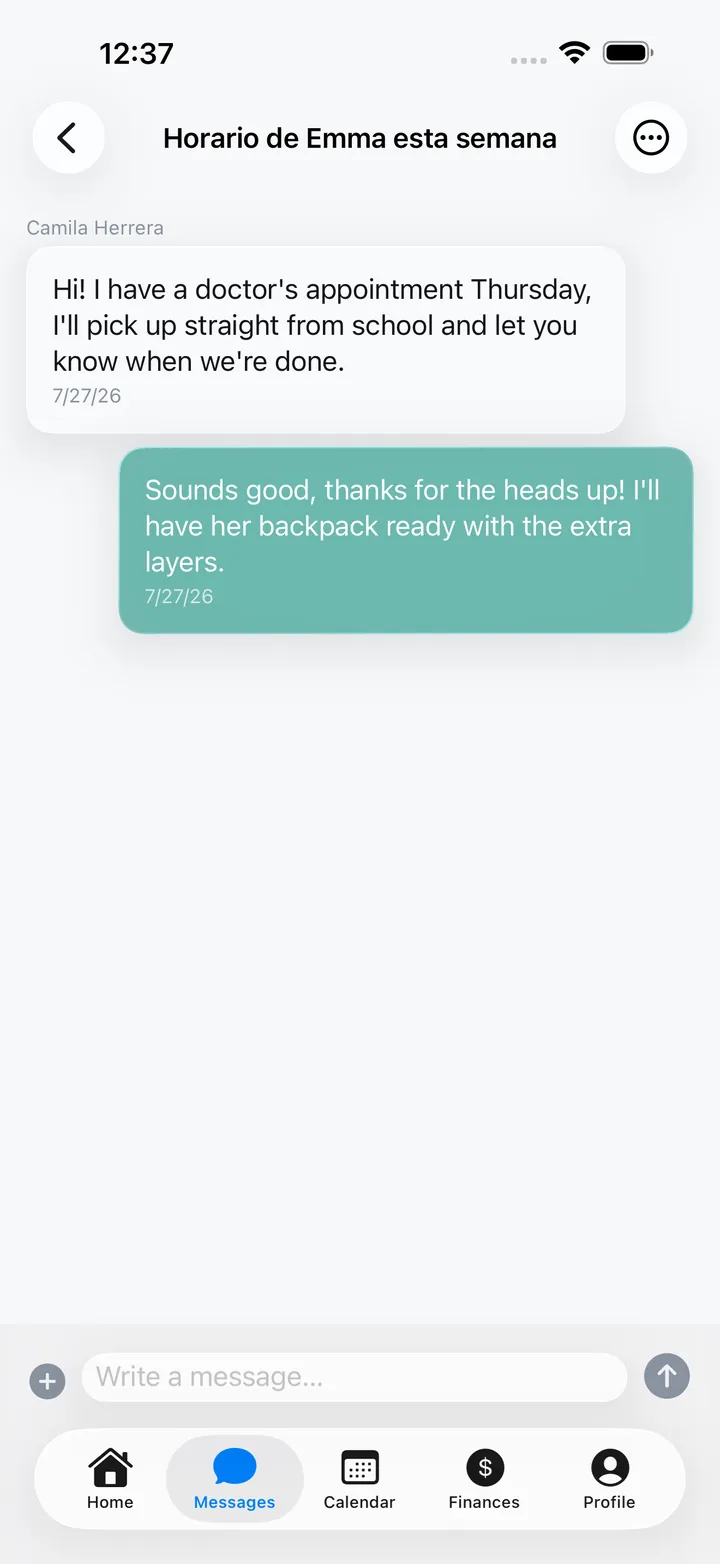
Documented messaging you can both rely on
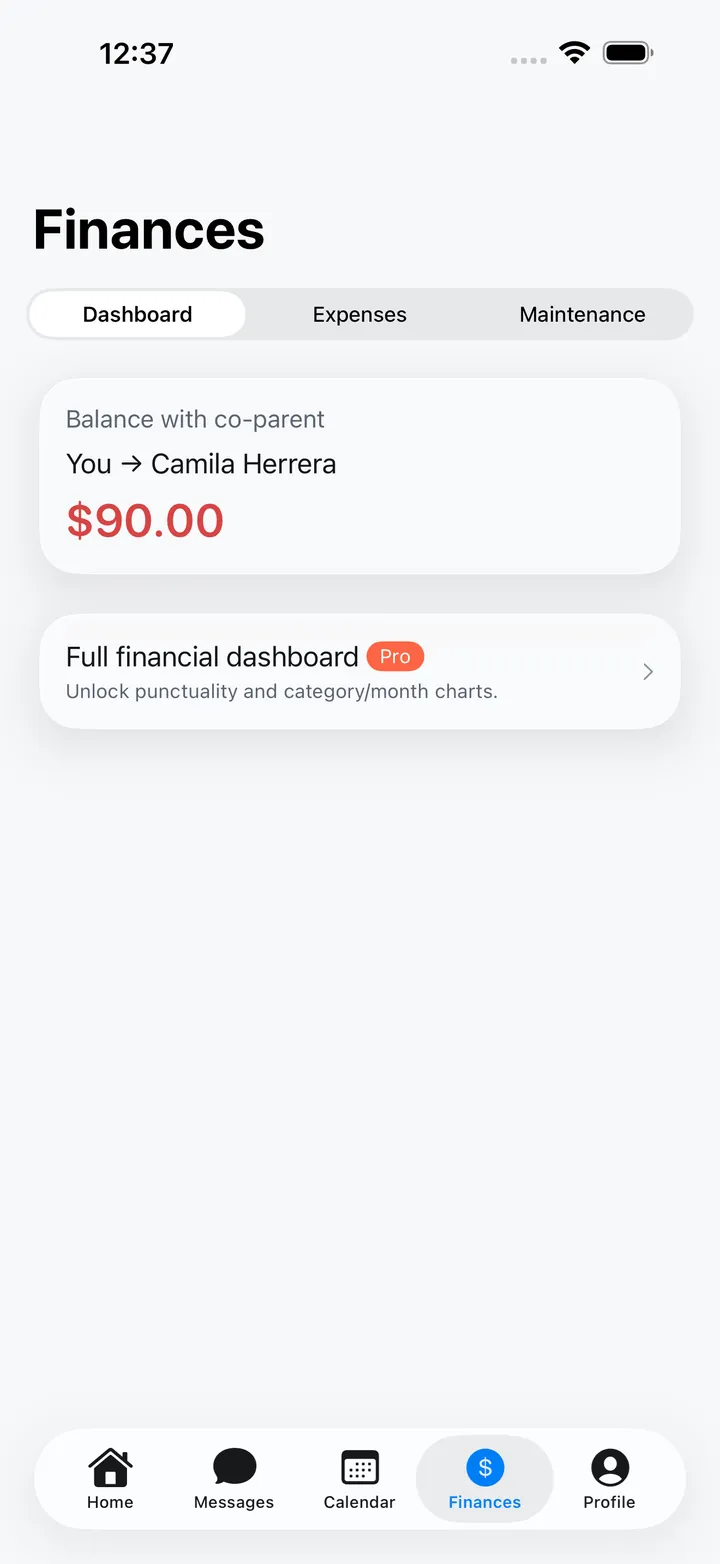
Track child expenses with clarity
Who it’s for
Organize your kids’ lives without relying on memory or on the mood of the day. Free to start.
Recommend a neutral tool that helps agreements work day to day.
Clients arrive with an organized calendar, expenses and messages, exportable to PDF with Pro.
Facts, not promises
We don’t show reviews yet: we’d rather wait for real App Store ratings than make them up.
Sign in from your computer or an Android phone with the same account you use on iPhone: calendar, real-time messages, expenses, documents and everything else.
Pricing
Start free. Upgrade to Pro when you need it.
US$0 forever
US$5.99 per month
3-day free trial
Pro includes everything in Free, plus:
US$39.99 per year
7-day free trial·US$3.33/monthSave 44%
Pro includes everything in Free, plus:
Pro Monthly and Pro Annual include exactly the same features. Pro is purchased in the iPhone app. If you have Pro, it works on the web too.
Prices shown in US dollars from the App Store; you may see the price in your local currency. The subscription renews automatically and you can cancel anytime from your iPhone settings. See full details
Questions
Family Bridge is a co-parenting app for separated or divorced parents, developed by Deepyze. It brings together messaging between parents, a shared calendar and custody schedule, exchanges, expenses and child support, children's information and their documents in one place. It's available for iPhone and as a web app at familybridge.app.
Yes. The free plan never expires and includes unlimited text messaging, 1 child, 20 events and 10 expenses per month, 3 documents, 3 safe locations and the predefined custody patterns. Family Bridge Pro costs US$39.99 per year with a 7-day free trial, or US$5.99 per month with a 3-day trial; prices may vary by country. More on Pricing.
Pro removes the limits (unlimited children, events, expenses, documents and places) and adds chat attachments, the FamilyBot AI assistant with tone check and parenting-plan drafting, PDF export of conversations and reports, ICS calendar export and import, advanced custody patterns, GPS-tracked exchanges with photo and signature verification, expense receipts, the full financial dashboard, child-support management with receipts and disputes, and document sharing with the co-parent. Compare plans on Pricing.
On iPhone, with the app from the App Store, and on any computer, tablet or phone through the web app at familybridge.app. You use the same account on both, and your information is stored in your account, so you see the same thing on every device.
There's no native Android app yet. On an Android phone you can use Family Bridge in the browser through the web app at familybridge.app with the same account, so one parent can use an iPhone and the other an Android phone.
The app is available in Spanish, English, Portuguese (Brazil) and French. Each parent picks their language in Profile > Language, so you can each use a different one.
Download Family Bridge on your iPhone or create your account on the web.